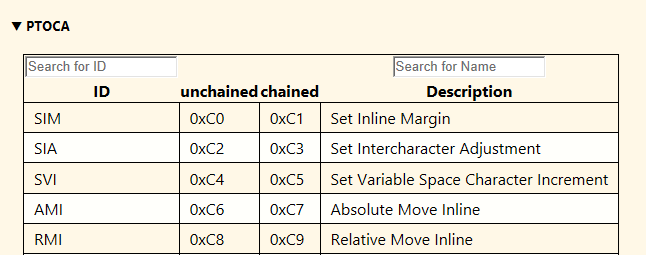
Tools
AFP Wizard provide many useful features, such as:
- Extract Resources
- Generate Log file
- Generate Summary
- Advanced Filter
- Basic Filters
Extract Resources
The Extract Resources tool extracts the embedded resources from an AFP file. By default, all resource types are extracted.
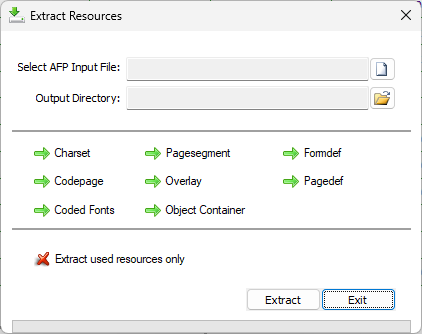
To extract only fonts, disable the other resource types. For example:
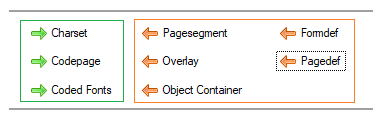
To extract only the resources used in the input file, enable the Extract Only Used Resources option:

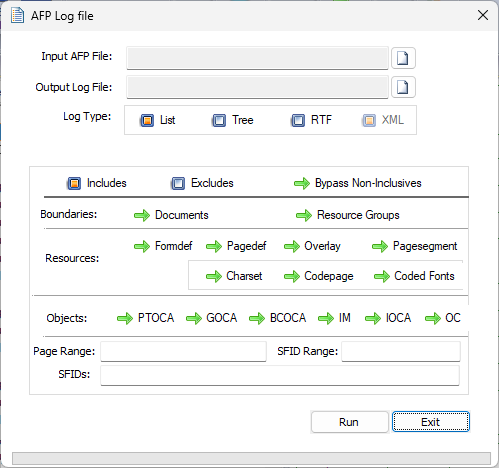
Log Files
This tool generates human-readable logs in formats such as List, Tree, RTF, and XML. You can apply advanced filters to generate logs for selected items only.
AFP Reference
The AFP Reference dialog provides reference information such as:
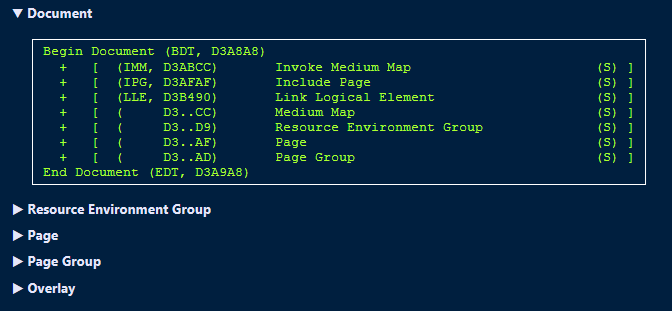
- Structure of AFP MO:DCA objects like Print File, Resource Group, Resource Objects, Document, Page, Images, etc.
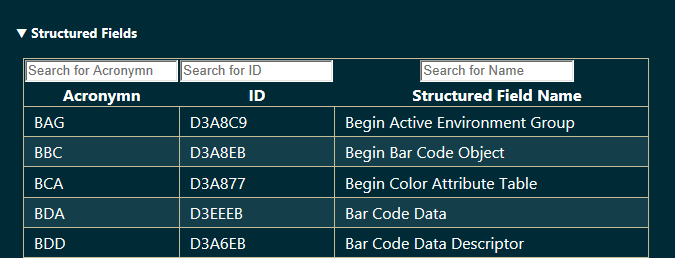
- List of Structured Fields and Triplets with search options:
- List of PTOCA, GOCA, and IOCA commands with search options: