AFP Wizard
AFP Wizard is a tool for analyzing, filtering, extracting, and inspecting AFP files, resources, structured fields, and object containers. This guide provides examples and explanations of all major features.
File Summary
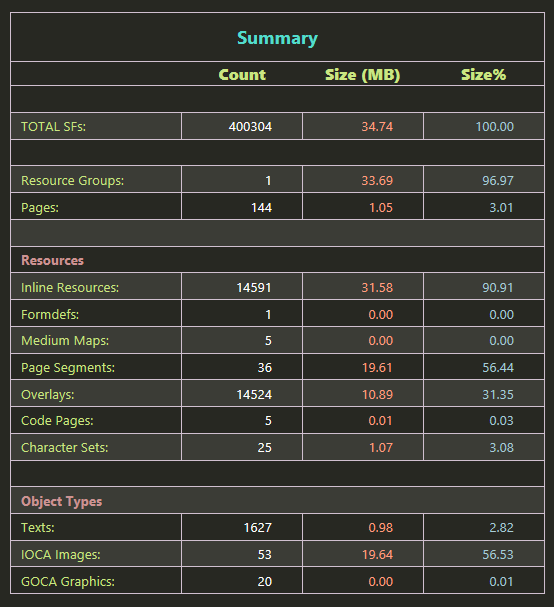
The file summary provides detailed information about the internal contents and the structure of the afp file.
The Summary table provides the count, size and percentage information about:
- File
- Resource group
- Document and pages
- Individual Resource types
- Individual Object types
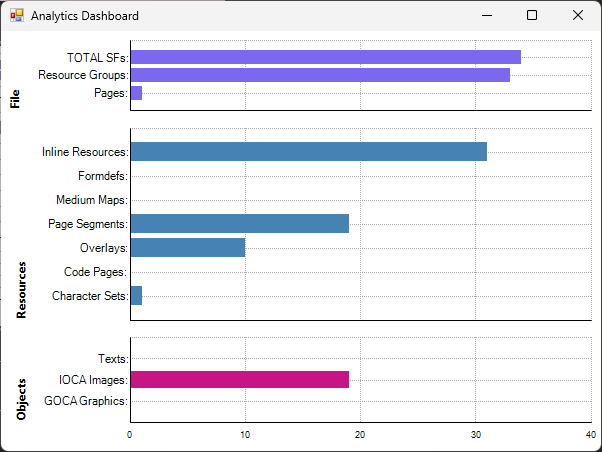
The analytics dashboard displays the same summary table information in the form of bar chart for an easy comparison:
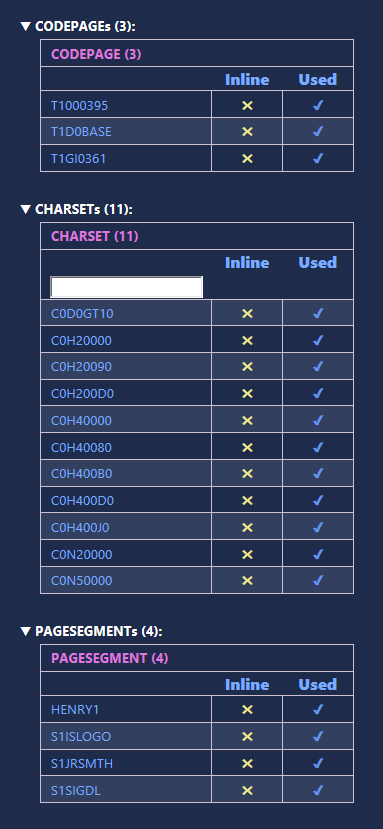
- The summary view also gives us information about all the resources present within the file, list of used resources and the missing resources:
Tree View
The Tree View displays information such as:
- Hierarchy , identifier, and number of each structured field
- Resource/object name
- Page Number
- Name of each begin field, which gives us name of each resource, page, object,resource, document etc
- Attribute/Value information for TLEs.
- Size of all the fields within each begin/end structured field. This gives us the size of each resource group, resource, document, page, object etc
- Names of resource references, like name in IPO, IPS etc
In addition to the display information, each field has a check box. We can select and delete unwanted structured fields. We can also check/uncheck all fields at once. The restore button can be used to un-delete the deleted fields. The refresh button helps refresh tree view and file summary after delete/restore operations.

AFP Reference Views
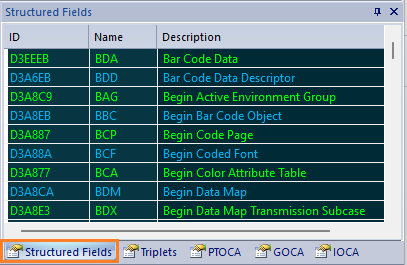
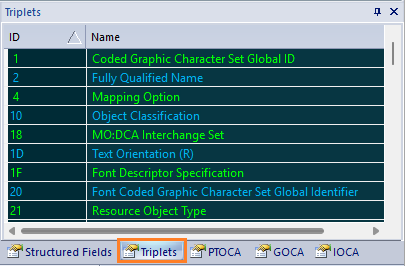
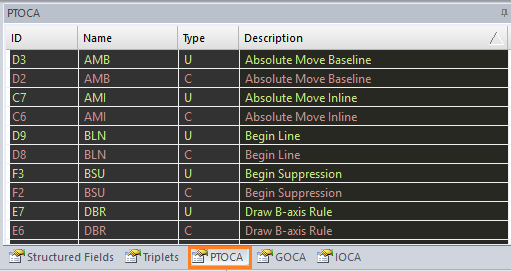
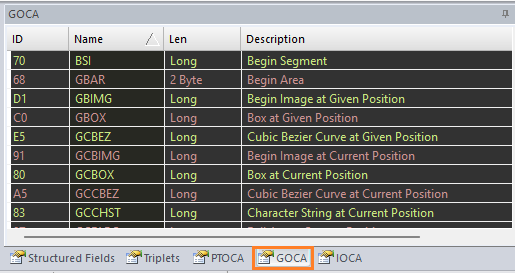
The reference tabs show the list of Structured Fields, Triplets, PTOCA, GOCA, and IOCA commands. By default they are sorted by name. Click on the column headers to sort them differently.
- Structured Fields:
- Triplets:
- PTOCA:
- GOCA:
- IOCA:
